The column, “Cutting Optimization” is particularly meaningful with items sold by the meter. This is only visible if you have activated the appropriate rights in the user administration.
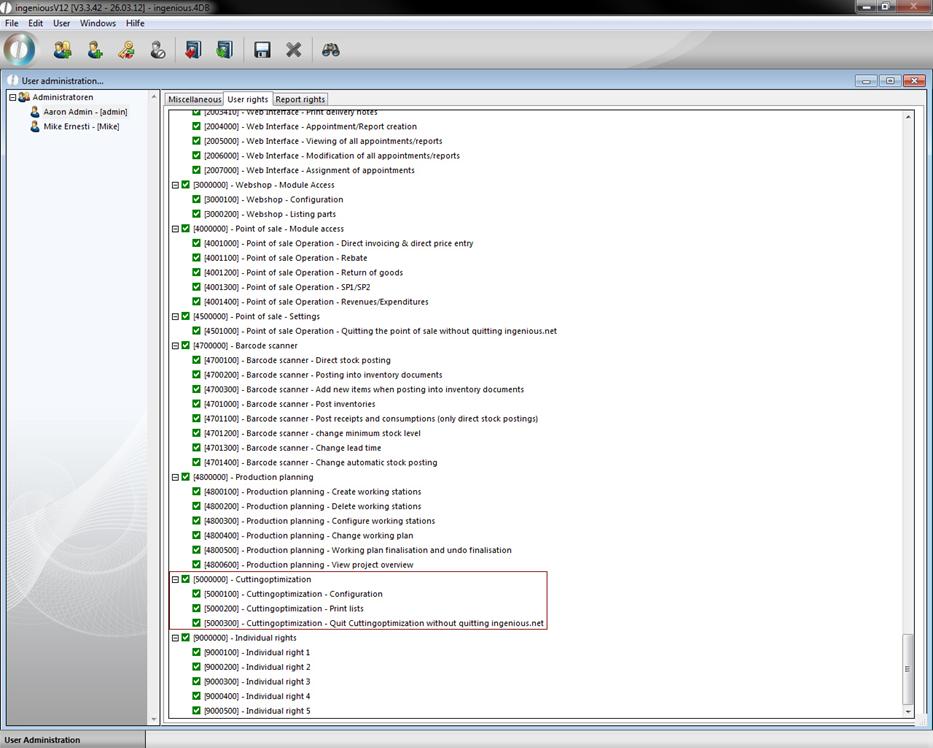
Moreover, the additional management tool, “Cutting optimization” appears in this connection in the main menu. In addition, it is important that you set a checkmark in the field, “Cutting optimization”.
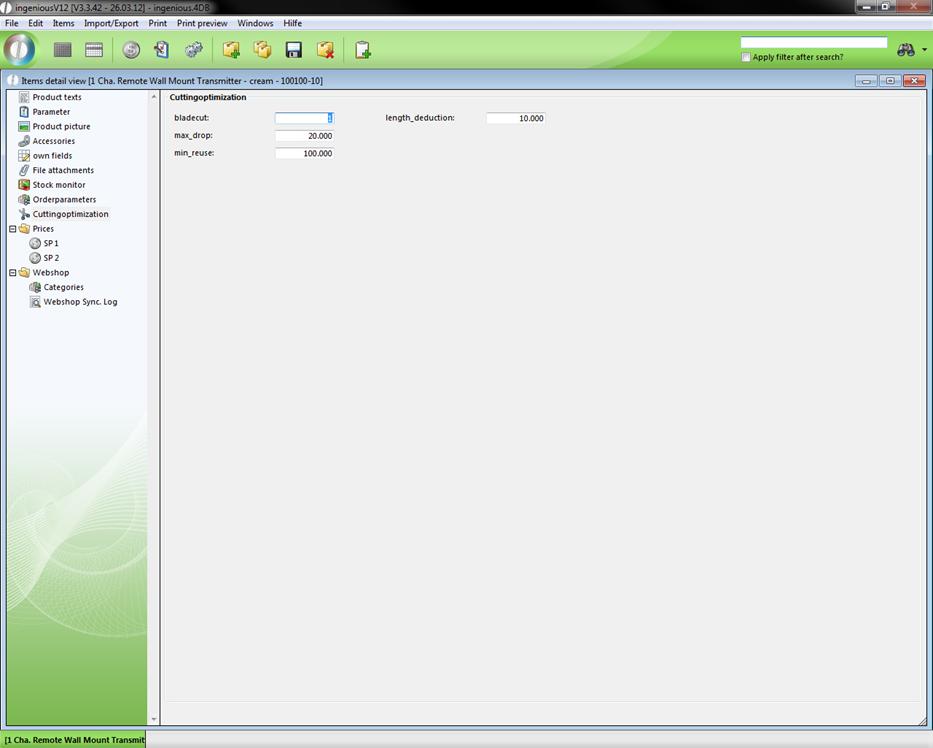
In the field, “Bladecut”, you indicate how much centimeter loss is made by cutting the commodity. In the field, “Maximum drop”, it will be determined starting from which length the commodity can be thrown away and, as specified last, starting from which length the item can be used again in inventory or if it can be used again at all.